Windows 11 “SignDrop” Zero-Day Exploit Turns Microsoft’s Own Security Fix Against Itself, Grants SYSTEM Privileges - Wccftech
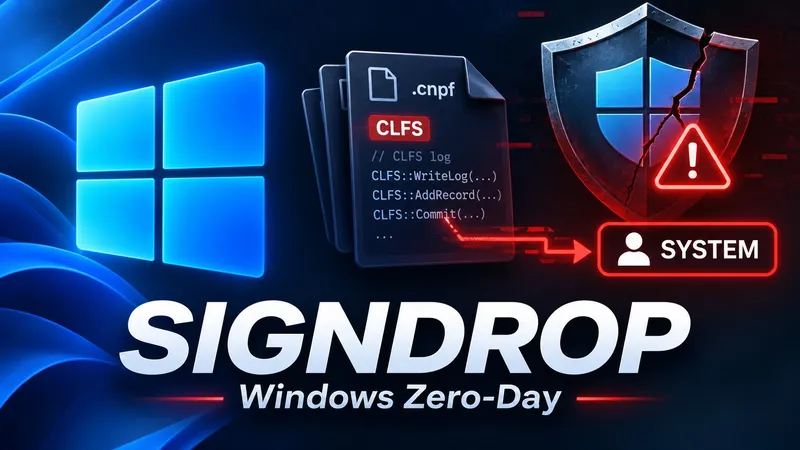
A newly disclosed Windows zero-day vulnerability, dubbed SignDrop, allows attackers with standard user privileges to gain full SYSTEM access by exploiting Microsoft's own security fix.
Security researcher Abdelhamid Naceri published the SignDrop proof-of-concept on GitHub on November 10, 2026. The vulnerability affects Microsoft's Common Log File System (CLFS) driver, which handles logging operations for Windows applications and system services.
Security Mechanism Turned Vulnerable
Microsoft introduced CLFS authentication hardening in October 2025 to address privilege-escalation vulnerabilities. The mitigation uses cryptographic authentication codes to verify log file integrity before processing. However, Naceri discovered this mechanism can be manipulated to create files with elevated privileges.
The authentication mechanism itself can be manipulated into creating files with elevated privileges.
Exploit Technique Confirmed
The vulnerability affects how the clfs.sys driver creates accompanying .cnpf authentication files. An attacker can prepare a specially crafted log file and force a privileged process like Microsoft Defender to open it. This allows creating an authentication file using SYSTEM privileges while retaining attacker permissions.
Researchers at Cyderes successfully reproduced the exploit and obtained a SYSTEM-level command shell. Naceri tested SignDrop against Windows 11 26H2, Windows 11 26H2 Experimental, and Windows Server 2025 Experimental, estimating approximately 80% of Windows installations could be vulnerable.
Microsoft Response
Microsoft has acknowledged the reports and is investigating the vulnerability. The company stated that Microsoft Defender can detect and block exploitation attempts, and they have found no evidence of active exploitation in the wild. At the time of writing, SignDrop has not received an official CVE designation or dedicated security patch.
Users can check the Windows Registry location HKEY_LOCAL_MACHINE\SYSTEM\CurrentControlSet\Services\CLFS\Authentication\Mode to determine if the affected mechanism is enabled, though Microsoft warns against disabling CLFS authentication as a workaround.
Related
