Microsoft Outage Scams Are Coming: What to Watch for - Kiplinger
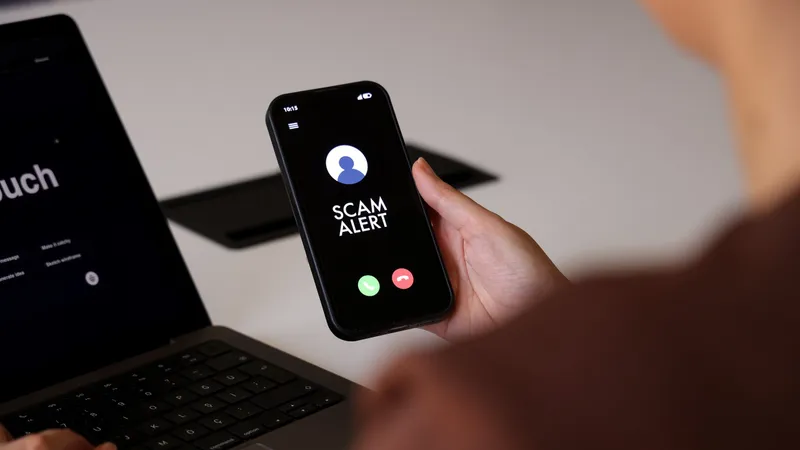
A Microsoft outage disrupting Outlook, Teams and other critical services has left millions vulnerable to scams targeting affected users.
The major tech company is still working to resolve issues, with Microsoft 365 products for both business and consumers experiencing ongoing service degradation. The disruption has not only hampered productivity but also created fertile ground for cybercriminals exploiting the situation.
Common Scam Tactics
Fraudsters are taking advantage of users attempting to resolve issues, access accounts or seek compensation. According to Eric Hulse of Command Zero, "They want to fix the problem, get back into their account, reach support or get compensated, and there's a fake version of each."
They want to fix the problem, get back into their account, reach support or get compensated, and there's a fake version of each.
Common scams include lookalike websites designed to steal credentials, fake support platforms, requests for account access, false refund offers, and phishing links for restoring affected accounts. Hulse specifically warns about email messages asking users to sign in to restore mailboxes or re-enroll multifactor authentication.
Red Flags to Watch
The biggest warning sign is unsolicited contact, as Microsoft doesn't proactively call or text users about fixing problems. "Microsoft doesn't call people or text them about fixing a problem, so I'd treat any unsolicited message about the outage as a scam until proven otherwise," Hulse advises.
Microsoft doesn't call people or text them about fixing a problem, so I'd treat any unsolicited message about the outage as a scam until proven otherwise.
Messages claiming to be from Microsoft should be treated with skepticism, especially those requesting payments. Hulse notes that during outages, scammers may impersonate bosses or vendors requesting payments to alternative accounts. "Normally that request would look strange. This week it doesn't, because everyone knows email really is down."
Pressure tactics are another red flag, as users don't need to take action to resolve the outage. "There's nothing a consumer needs to do about this outage at all," Hulse emphasizes. "Microsoft has to fix it, and there's no tool to download or account to re-verify on your end."
Preparedness for Future Outages
The incident highlights the risks of relying solely on technology without backup options. Hulse recommends maintaining alternative solutions and backups to minimize future disruptions. Organizations and individuals should develop emergency preparedness plans to quickly switch to alternative communication and productivity tools when primary systems fail.
Related
