Microsoft Patch Tuesday fixes Outlook flaw already under attack
Microsoft's November Patch Tuesday addresses over 1,000 vulnerabilities, including a critical Outlook flaw already being exploited to steal authentication information.
The November security update from Microsoft addresses more than 1,000 vulnerabilities across its products, with particular attention to an Outlook flaw that attackers are already exploiting to steal authentication information. The release also fixes 48 critical remote code execution (RCE) vulnerabilities that could allow attackers to run code on affected machines, sometimes without any user interaction.
Outlook vulnerability details
The exploited Outlook vulnerability, identified as CVE-2026-124194, has a CVSS score of 6.5 out of 10. It exposes authentication information that attackers could use to impersonate users. Microsoft's description indicates that 'Product ui does not warn user of unsafe actions in Microsoft Office Outlook allows an unauthorized attacker to perform spoofing over a network.'
Product ui does not warn user of unsafe actions in Microsoft Office Outlook allows an unauthorized attacker to perform spoofing over a network.
To exploit this vulnerability, an attacker must convince someone to open a specially crafted message file in an affected version of Outlook. This can cause Outlook to connect to an attacker-controlled network location without its usual external-content warning, potentially exposing the user's NTLMv2 hash that could be used for impersonation.
Critical Windows vulnerability
Another significant vulnerability highlighted is CVE-2026-116928, which has a CVSS score of 9.8 out of 10. This is an out-of-bounds write vulnerability in the Windows Search Component that could allow an unauthorized attacker to execute code over a network. Microsoft describes a scenario where a malicious email attachment processed automatically for indexing by Exchange Server could be enough to let an attacker run code with the permissions of the affected service.
How to apply updates
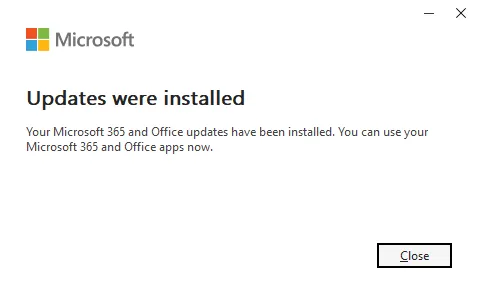
For Office updates, users should open an Office application, go to File > Account, select Update Options > Update Now under Product Information. For Windows updates, click the Start button, open Settings, select Windows Update, and click Check for updates. Users may need to restart their computers to complete the installation process.
As the Outlook vulnerability is being exploited in the wild, updating Office products is a priority. Microsoft has not reported exploitation of the Windows Search Component vulnerability at this time.
Related
