New NVIDIA UEFI GPU Unlocker Brings Up To 75% Higher AI Compute Performance To RTX 20, 30 & 40 Series GPUs On Windows - Wccftech
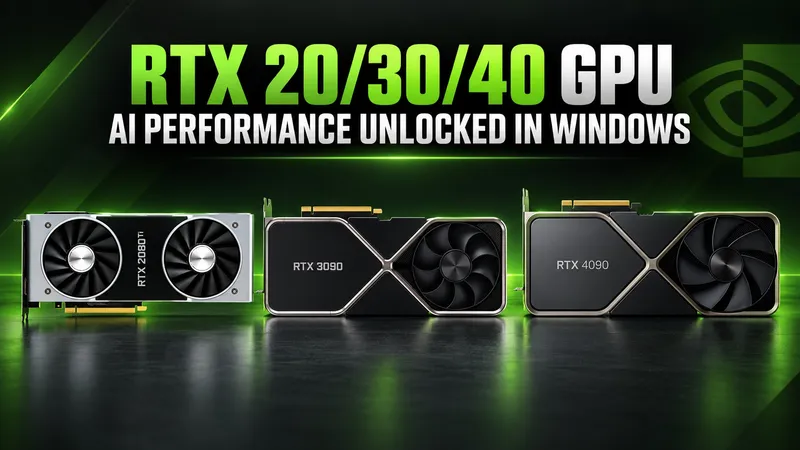
A new open-source tool called NV UEFI Unlocker enables up to 75% higher AI compute performance on NVIDIA GeForce RTX 20, 30, and 40 Series GPUs by modifying GPU behavior before driver initialization.
Developed by GitHub user physicsdolphin, the NV UEFI Unlocker project uses a UEFI-based approach to modify GPU behavior before NVIDIA's graphics driver initializes. Unlike traditional firmware modifications, it doesn't require permanently flashing the GPU's VBIOS or patching NVIDIA's drivers. The unlock is temporary and disappears after a complete power-off.
As previously reported by Wccftech, the original GPU Unlock project demonstrated that GeForce RTX 30 Series GPUs could achieve nearly twice their normal Tensor Core throughput in certain FP16/BF16 compute workloads. Real-world AI image-generation benchmarks showed improvements approaching 60%, though the original implementation relied on a Linux kernel module.
Compatibility and Performance
NV UEFI Unlocker supports Windows, Linux, and other UEFI-bootable operating systems while extending compatibility across three NVIDIA GPU generations. According to its official compatibility matrix, RTX 20, 30, and 40 Series GPUs are supported, though certain models still encounter issues. GTX 16 Series support remains experimental, while RTX 50 Series GPUs are unsupported.
Early benchmark results are promising. An RTX 2070 reportedly improved from 36 TFLOPS to approximately 60–63 TFLOPS in FP32-accumulation matrix multiplication, representing a 67–75% increase. Meanwhile, an RTX 4060 Laptop GPU demonstrated a 65% improvement in FP16 compute throughput, climbing from 29.89 to 49.33 TFLOPS.
These gains have also attracted attention in a Reddit discussion on r/overclocking.
Installation Limitations
The installation process involves preparing a bootable USB drive containing the UEFI application and required firmware components. Users boot from the USB drive, allowing the tool to execute its modifications before automatically handing control back to the operating system. Secure Boot must either be disabled or configured to trust the EFI application, while RTX 20 Series users must first enable the required GSP firmware mode.
The project remains experimental, and successful unlocking isn't guaranteed across every GPU or system configuration. Higher theoretical compute throughput doesn't necessarily translate into equivalent real-world gains, which depend heavily on workload characteristics, memory bandwidth, and power limitations. There is currently no convincing evidence that these modifications improve gaming performance or DLSS execution times.
Related
